 COME
COMEFind COME Refer & Earn and VIP Club
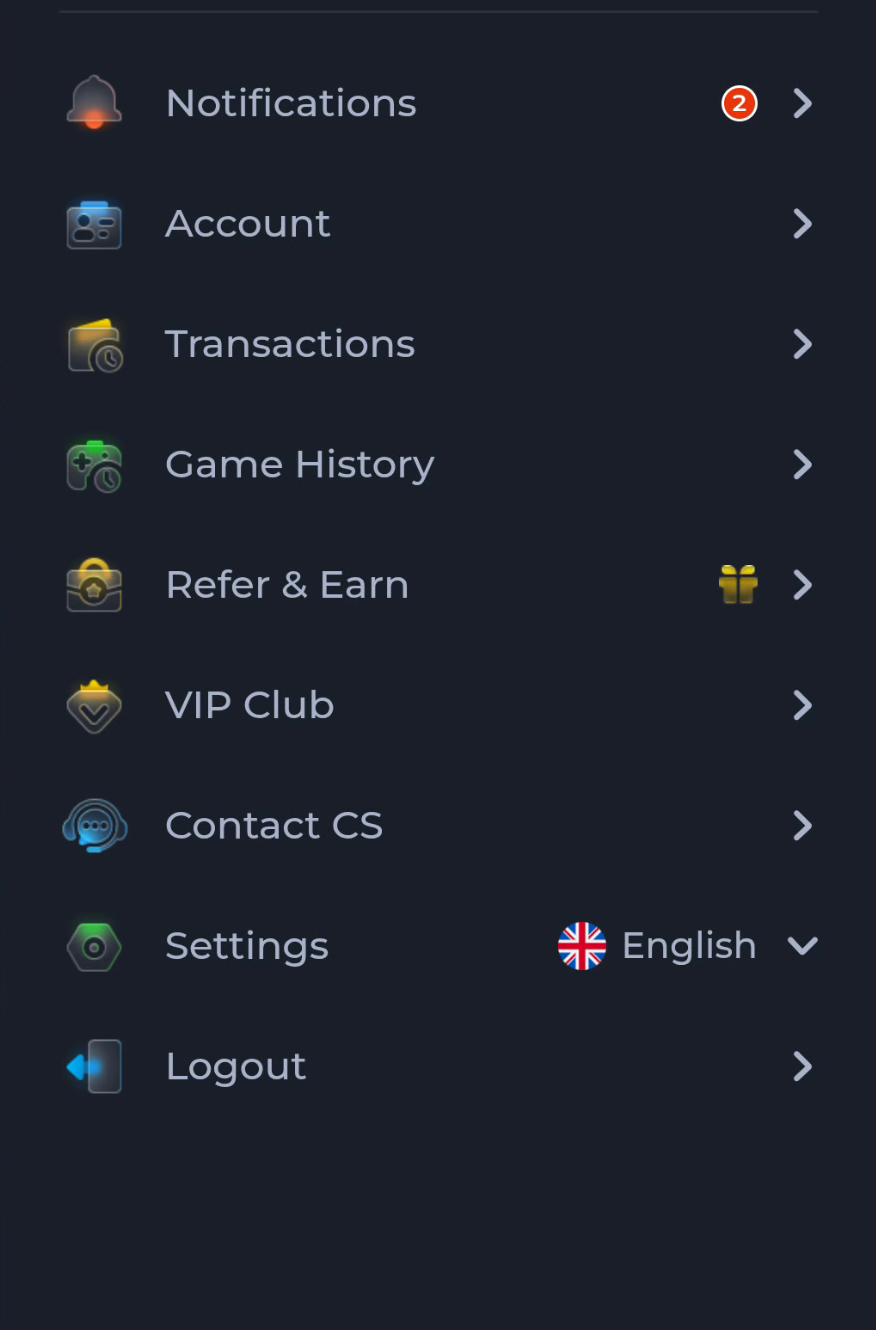
Refer & Earn concerns invitations; VIP Club concerns level-related benefits. They are separate entries in the account menu.
Work through this situation
A referral milestone should not be investigated by assuming a higher VIP tier changes its condition. Likewise, the daily bonus table belongs to level-related benefits rather than a package download.
What to check and why
Open the programme matching the benefit you are reading. Refer & Earn concerns invitations and milestone completion. VIP Club concerns level-related benefits, including the daily-bonus context. Reading a referral banner while viewing a VIP row can lead to mixing conditions that belong to different programmes.
For referrals, keep the inviter, friend and qualifying event separate. For daily benefits, keep the VIP level, minimum daily amount and claim period together. Neither programme is completed by saving another APK. If a record seems wrong, identify the programme and stage before asking for assistance; that gives the request a much clearer starting point than quoting the largest visible number.
Recognise the relevant screen
Match help to the task
The account menu and Customer Center provide different routes for preferences, records and assistance. A help-category answer explains a topic, while an account-specific issue needs the relevant service context. Read the visible wording on your own screen because layouts can change. This website provides explanations and navigation; it cannot complete an account action or alter a service record.
What a completed answer looks like
The correct programme and its relevant rules are open before an amount is interpreted.
If the screen still does not answer the question, keep the exact wording and use the matching in-app help context.
Choose another specific COME guide